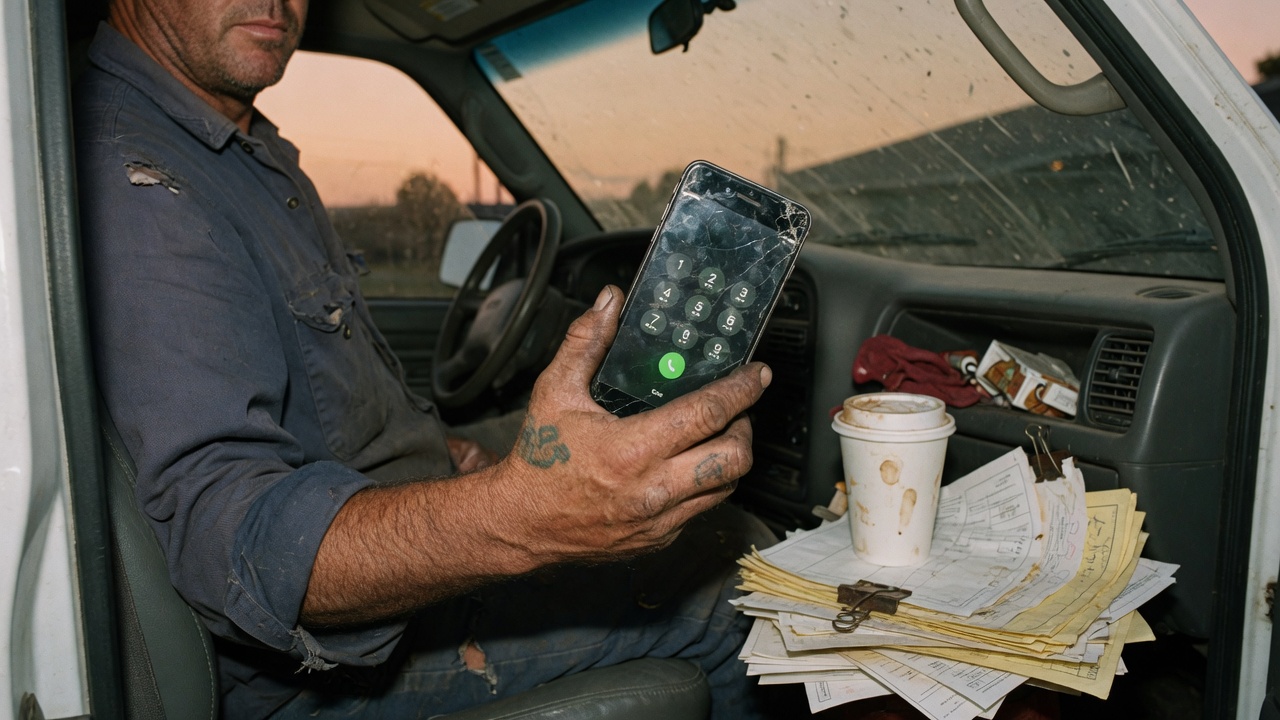
A one-van shop does not have a front desk. The cell in your pocket is the business line. When you’re under a sink, in a panel, or on a roof, that line goes to voicemail — and the caller dials the next van.
AnswerVan.com sits on the other end of a forward. You keep the number. We answer like your shop and text you the job. Setup is carrier codes, not an app install.
Two modes. Pick one.
Missed-call: your phone still rings. If you let it go, decline it, or you’re already talking, we pick up. This is what most one-van shops want. You still catch the neighbor waving you down in the driveway.
Always-answer: every inbound call comes to us. Your cell does not ring. Use this when you’re in a crawl, on a ladder, or you just want the phone to stop being the job.
Missed-call codes
Dial these from the cell you want to forward. Wait for the confirmation tone or a “forwarding is on” message, then hang up. On GSM (AT&T, T-Mobile, most Android) you want all three.
No answer — rings out
*61*1XXXXXXXXXX#
Your phone still rings. If you don’t pick up, we do. Replace the X’s with the 11-digit number we text you after signup, including the 1.
Busy or you hit decline
*67*1XXXXXXXXXX#
Stops the call from dumping to voicemail when you’re already on a job call.
Unreachable
*62*1XXXXXXXXXX#
Basement, dead zone, airplane mode, powered off.
Verizon and a lot of US cells use one code for no-answer and busy: *71 plus your ten-digit forwarding number. Same idea. Phone rings first.
Always-answer codes
US cells, including Verizon
*72 + the ten-digit number
Dial, wait for the tone, hang up. Your phone will not ring.
AT&T / T-Mobile / most Android
*21*1XXXXXXXXXX#
You should see a forwarding icon in the status bar.
iPhone Settings → Phone → Call Forwarding is fine here. Turn it on and paste the number we issued you. That toggle forwards everything, which is what you asked for in this mode.
Turn it off
- *73 — classic US disable. Try this first.
- ##002# — clears GSM no-answer / busy / unreachable forwards.
- iPhone always-answer: Settings → Phone → Call Forwarding → Off.
What happens after you dial
- Sign in with your cell. We buy a local number in your area code and text you the codes with your number already filled in.
- Dial the codes from the van. Two minutes, maybe three if Verizon wants a confirmation tone.
- Miss a call on purpose from another phone. You should get a ticket: name, callback, address, what’s wrong, how bad.
- The caller gets a hold text so they stop dialing the next shop.
If a code fails, you’re usually on the wrong recipe for the carrier. The forwarding screen in the app has iPhone, Android/AT&T/T-Mobile, and Verizon tabs. Use the one that matches the phone in your hand, not the one your cousin uses.
Questions shops actually ask
- Do I need a new business number?
- No. The number on the van, the door, and Google stays yours. Forwarding is a carrier feature on that same cell.
- Will my phone still ring?
- In missed-call mode, yes. We only pick up if you don’t, you’re already on a call, or the phone can’t be reached. Always-answer mode sends every call — your pocket stays quiet.
- Can I turn it off?
- Yes. Dial *73 or ##002# from the same cell. You’re back to voicemail in about ten seconds.