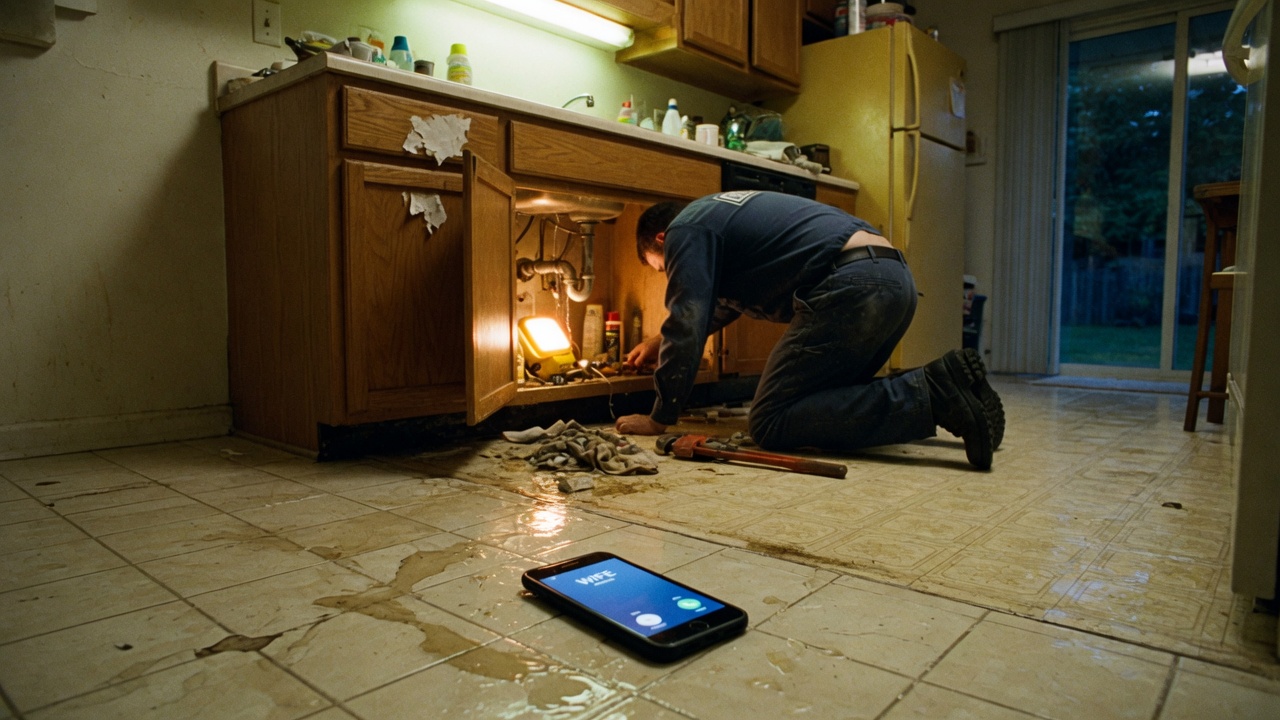
The product is the same in both modes: a dispatcher for your trade, a ticket to your texts, a hold text to the homeowner. The difference is who hears the first ring.
Missed-call
- Your cell rings. You can still answer.
- If it rings out, you decline, you’re already on a call, or the phone is in a basement — we pick up.
- Neighbors, suppliers, and your kid still reach you directly when you can talk.
- iPhone Settings → Call Forwarding will wreck this. Dial *61 / *67 / *62 (or *71 on Verizon) instead.
Always-answer
- Your cell does not ring. Every inbound call is us, sounding like your shop.
- Good on a roof, in a live panel, or on a Saturday you told yourself you were off.
- Suppliers and family need another way to reach you — a second cell, or you check the tickets.
- iPhone Settings → Call Forwarding is the right switch here.
A simple rule
If you still want to be the person who picks up when your hands are free, stay on missed-call. If the phone has become the job, switch to always-answer until the week calms down. You are not picking a religion. You are picking who hears the ring this month.
Questions shops actually ask
- Which one do most shops use?
- Missed-call. You still grab the ones you can. We grab the rest.
- Can I switch later?
- Yes. Disable the old codes, dial the new ones. Takes a minute. The app keeps both recipes next to your number.